Free
$0 forever
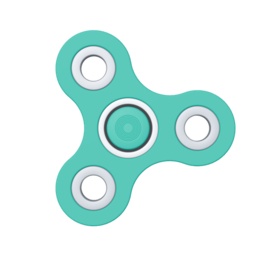
- Spinner, Clicker, Knob, Toggle and Pop-it
- Customization and 3 saved designs
- Try any Pro toy for 10 minutes
- Works offline
Real 3D toys with no window around them. Spin them, click them, pop them, throw them. Then get back to work.
The toys
21 models in nine kinds. Every toy is its own window with nothing around it. Put it anywhere, keep as many out as you like.
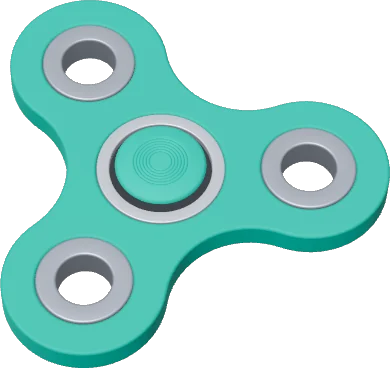
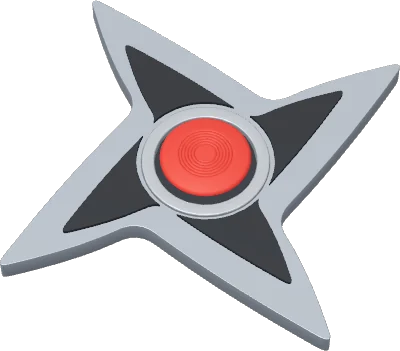
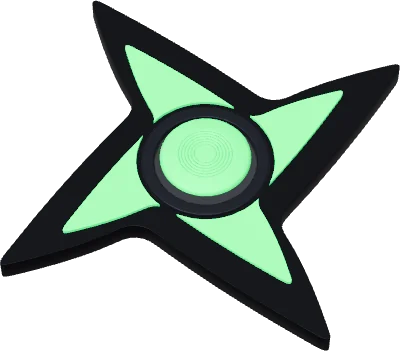
Flick it and watch it go. Three to six arms, or a pointed shuriken.
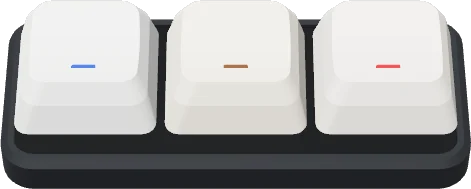
From one key to a six-by-three pad. Clicky, tactile or linear switches.
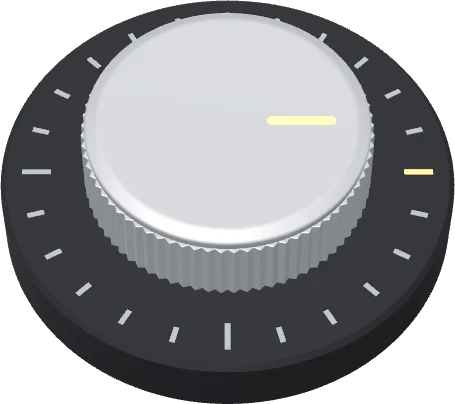
12, 24 or 36 clicks per turn.
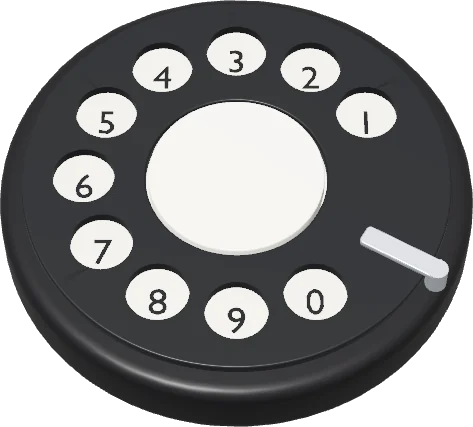
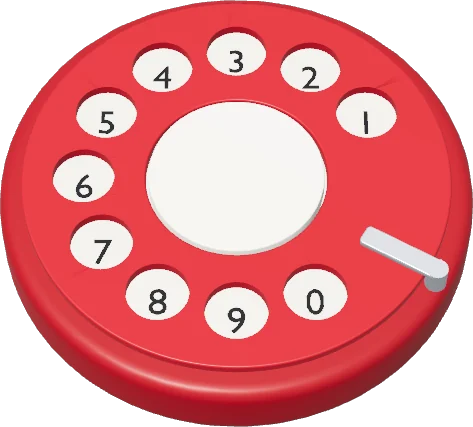
Dial a number and let it spin back.
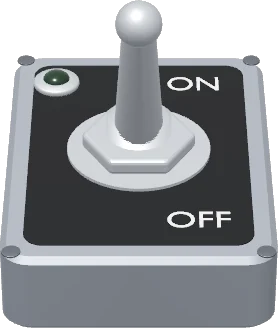
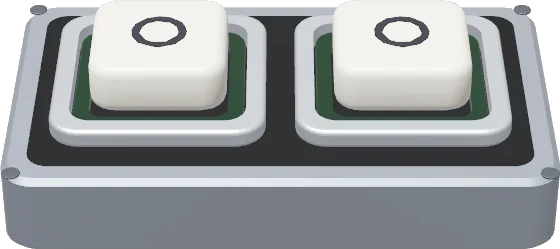
Flip them on, flip them off, or press chunky push buttons.
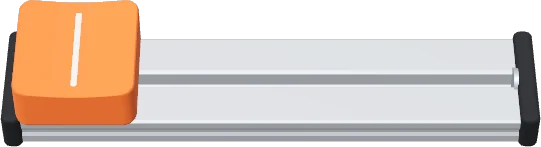
A fader on a rail, as long as you like. It can spring back to center.
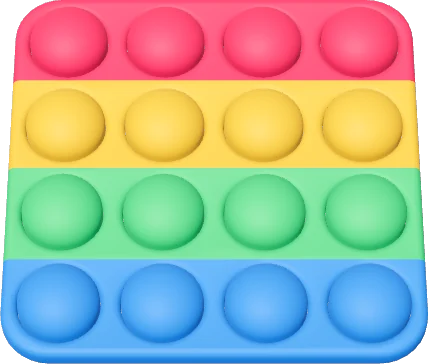
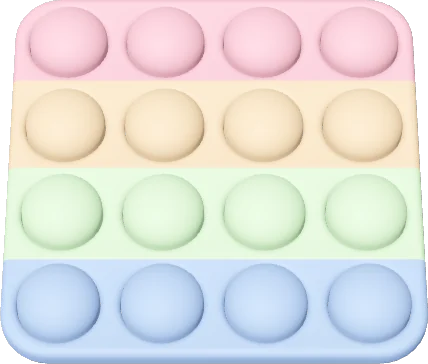
Press every bubble, then flip it over and pop them back.
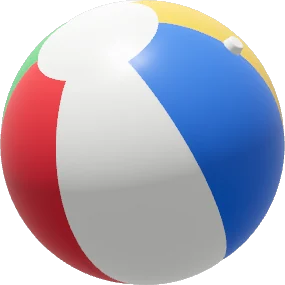


Beach, tennis, cricket, basketball, marble and an 8 ball. Throw them across the screen.
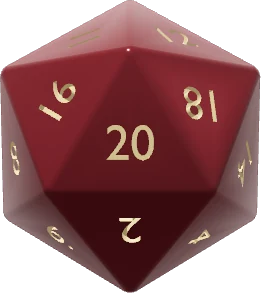
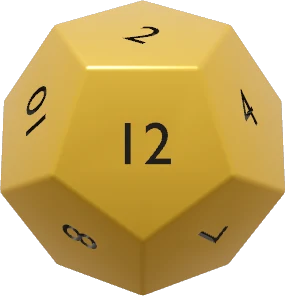
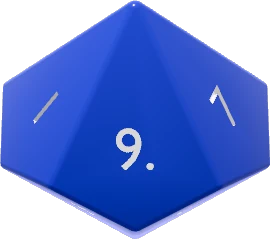
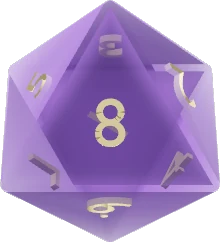
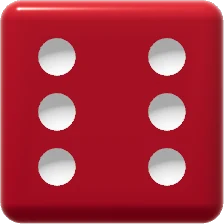
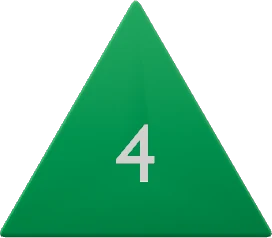
A full set from d4 to d20. Throw them, or click to roll; each one settles with your number facing you.
How it plays
The left button is for playing. The right button is for everything else.
Spin it, click it, pop it, flick it. This is the toy.
Carry a toy anywhere on your screen.
Rotate it in 3D to see it from any side. On a Mac, hold ⌘.
Make it as big or as small as you like.
A quick menu for everything else.
Make it yours
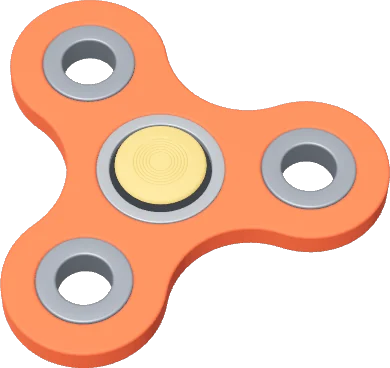
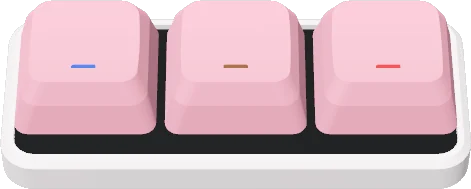
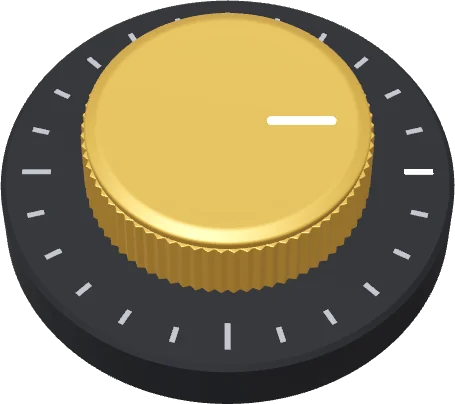
A color for every part, or a ready-made palette.
Keys, rows, arms, cells and switches. More or fewer, to taste.
Clicky, tactile or linear keys. Latching or momentary switches. How fast the dial comes back.
See every change in 3D before it goes on your desktop.
On, off, or somewhere between.
Keep the ones you love, even several of the same toy.
Pricing
$0 forever
$8.99 one-time
Secure checkout and license keys by Polar. See the refund policy.
FAQ
Yes. Once your toys are downloaded, Fidgetto runs entirely on your computer. Toys also keep running when the panel is closed.
macOS (one universal build for Apple silicon and Intel), Windows 10 and 11 (64-bit), and Linux as an AppImage, .deb or .rpm. One Pro key works across all three, on up to 3 computers.
Fidgetto is new, so Windows SmartScreen has not seen many downloads of it yet and shows "Windows protected your PC". Click More info, then Run anyway. The warning fades as more people install it.
One Fidgetto Pro license key works on up to 3 of your computers. Pay once and it is yours, including every toy we add later.
Yes. If Pro is not for you, ask within the refund window and we will sort it out. The details are on the refund policy page.
Nothing, unless you say yes. After a day of use Fidgetto asks once whether you want to share anonymous usage, and you can change your mind in Settings. Either way the app only contacts Polar to check a Pro license, and our server for toy downloads and updates.
Fidgetto checks for a new version now and then. When one is ready it asks first, then restarts with your toys right where you left them.
Yes. Turn on Open at login in Settings. Your toys come back and the toy box stays out of the way until you open it.
The Spinner, Clicker, Knob, Toggle and Pop-it, with full customization and up to 3 saved designs, free forever. Pro unlocks every other toy and model, every toy added later, and unlimited saved designs. You can put any Pro toy on your desktop for 10 minutes to try it first.
Free, out now on macOS, Windows and Linux. One Pro key works on all three. Updates arrive on their own.
Apple silicon and Intel.
Download for Apple siliconAlso: Intel Mac
Windows 10 and 11, 64-bit.
Download for WindowsIf Windows says it protected your PC, click More info, then Run anyway.
64-bit desktop Linux with X11 or XWayland.
Download AppImage